The mysterious triangle on Samsung smartphones: what this icon means
Samsung Galaxy users often encounter a confusing triangle icon appearing in the status bar of their devices.
 🏙️City
Photo: UNIAN
Key points
- Triangle with arrows indicates Data Saver mode
- The feature restricts background app activity and notifications
- The mode can be disabled or configured with exceptions for essential apps
Many Samsung Galaxy owners notice an icon in the status bar that looks like a triangle with arrows pointing up and down. This symbol often causes concern as it visually resembles a warning sign, but it does not indicate any technical malfunction of the device.
What this indicator means
The appearance of the triangle indicates that the "Data Saver" mode is active. In Samsung's proprietary One UI shell, this icon replaces the standard Android circle with a plus sign. The feature is often enabled accidentally via the quick settings panel or while the phone is being used by children.
When this mode is active, the system restricts apps' access to mobile data in the background. This causes notifications from messengers and email to arrive with delays, as apps do not sync automatically.
How to restore normal notification behavior
To disable the restrictions, simply go to the network settings and deactivate the data saving feature. If you wish to use this mode to control costs, for example while roaming, you can configure "exceptions" for the most important apps so they remain connected even when the data saver is on.
Source UNIAN — unian.ua/techno/software/trikutnik-u-ryadku-stanu-samsung-shcho-ozn… ↗
Read next
 👥Society
Ukrainian gardener grows a 350-kilogram giant pumpkin
A resident of the Cherkasy region, Oleksiy Buryachenko, grew a 350 kg pumpkin in his garden and gave it away to the public for free.
 🇺🇦Ukraine
US National Intelligence Director: Putin is not a friend of America regarding Ukraine
US Director of National Intelligence Jay Clayton has clarified the stance on US-Russia relations, distinguishing between diplomatic rhetoric and the reality of the war in…
 🛡️Security
Aftermath of Russian strike on Dymer: death toll rises to eight
Rescue teams are finishing clearing the rubble in Dymer, Kyiv region, where eight people have died following an enemy attack.
 👥Society
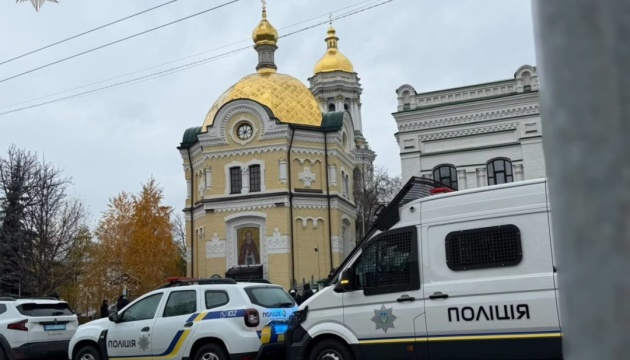
Clashes at Kyiv Pechersk Lavra: Police Launch Investigation
Police intervened in a dispute between individuals at the Kyiv Pechersk Lavra, triggered by disagreements over the use of religious buildings.
 🏛️Politics
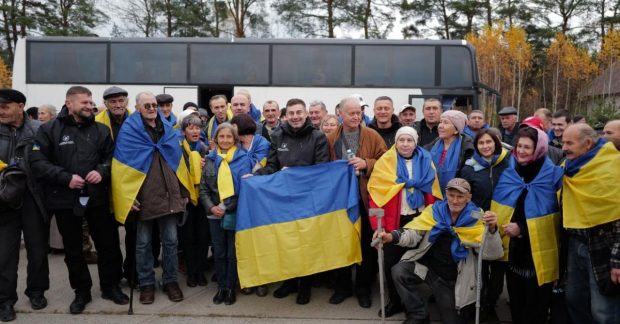
Civilian Evacuation and Humanitarian Initiatives: Why Ceasefire Proposals Differ
ISW analysts explained the difference between the feasibility of humanitarian evacuation in the Kherson region and the unrealistic nature of Russian initiatives regarding…
 🛡️Security
Oil refinery attacked again in Novoshakhtinsk, Russia
On the night of November 23, the Novoshakhtinsk oil refinery in the Rostov region was struck again. The facility is a key supplier of fuel for the Russian military.